Download
Download WACompanion
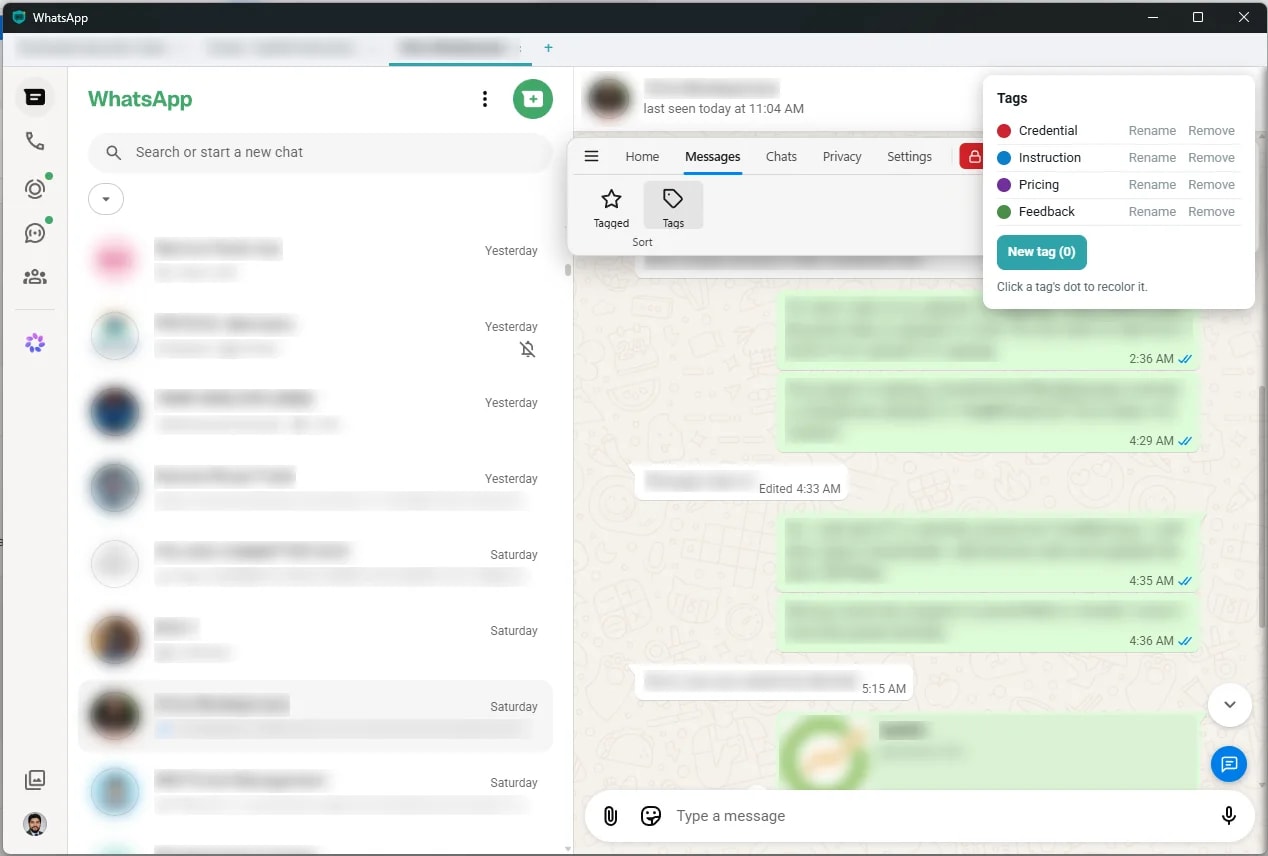
Two ways to run it. The free extension lives in Chrome. The desktop app is a standalone Windows build with every cap removed.
New here? Start with the free extension. It is the same product as the desktop app, just with caps, so you can see how Lists, tags, templates and reminders fit your day before paying for anything.
Free Chrome extension
Runs inside Chrome on web.whatsapp.com. No account, no sign-up.
- 10 custom tags
- 10 message templates
- 5 colored Lists, 5 active reminders
- Privacy mode, notes, global search
Also works in Edge and Brave.
Desktop app v1.0.5, Windows
A standalone app with no browser tab. Pro: $3.99/month, or $34.99/year with a 7-day free trial.
- No caps on tags, templates, Lists or reminders
- Search your chats in plain language, on your device
- Reminders fire while the window is closed
- VIP notifications, PIN lock, chat tabs and more
Windows only for now. Start with the free extension in the meantime.
Before you install the desktop app
- Windows SmartScreen may warn you
- The installer is not code-signed yet, so Windows shows an "unrecognised app" prompt. Choose More info, then Run anyway.
- You will scan the QR code again
- The desktop app links to WhatsApp the same way WhatsApp Web does, so the first launch shows a QR code to scan from your phone.
- Your data stays put
- Lists, tags, templates and notes are stored on your own machine. Nothing is uploaded. See the Privacy Policy.
- The search model ships inside the app
- There is nothing extra to download, and plain-language search works offline from the first launch.
Want to see what changed in a release? Read the changelog.